Introduction
For many Shopify store owners, openly displaying prices isn't always the best strategy. Whether you're a B2B wholesaler, adhere to Minimum Advertised Price (MAP) policies, or sell exclusive in-store products, hiding prices can be a crucial part of your sales process. This approach helps you capture leads, pre-qualify customers, or drive traffic to your physical store.
The key isn't just to hide the price, but to do so effectively, guiding the customer to the next desired action. This is where different shopify hide price display modes come into play. With an app like Peekaboo Pricing, you have flexible options to present your hidden price content in a way that aligns with your business objectives and enhances the customer journey.
Why Hide Prices on Shopify?
Strategically hiding product prices on your Shopify store offers several distinct advantages beyond simply obscuring a number. It's a proactive way to manage customer interactions and sales processes, turning passive browsing into active engagement.
- MAP Compliance: For authorised dealers, hiding prices on products with Minimum Advertised Price restrictions ensures you comply with supplier agreements, avoiding penalties while still showcasing your inventory.
- B2B and Wholesale: Many B2B transactions require custom quotes or special pricing. Hiding prices for wholesale customers allows you to capture business leads and tailor offers, making it a critical tool for B2B Shopify stores.
- Lead Generation: Requiring customers to inquire about a price (a "shopify request price button" or "shopify price on enquiry") transforms a simple product view into a valuable lead. You gather contact information, understand customer intent, and initiate a direct sales conversation.
- Premium/Luxury Items: For high-value or bespoke products, an inquiry process adds to the perceived exclusivity and allows for a personalised sales approach, ensuring the customer receives a tailored experience.
- In-Store Only Products: Some items are best sold in person. Hiding the price and directing customers to a physical location encourages showroom visits and in-person consultations.
Understanding Peekaboo Pricing's Hide Price Types
Before diving into display modes, it's important to understand Peekaboo Pricing's core concept of "hide price types." A hide price type is a configurable template that defines how a hidden price behaves and appears on your Shopify store. You can create unlimited custom types, each with its own specific settings for forms, emails, and display modes.
This flexibility allows you to tailor the experience for different products or customer segments. For instance, you might have one type for MAP products with a quick enquiry form and another for custom furniture that requires a detailed questionnaire. Each type can use one of the three display modes we'll explore, ensuring your price hiding strategy is as dynamic as your product catalogue.
The 3 Shopify Hide Price Display Modes Explained
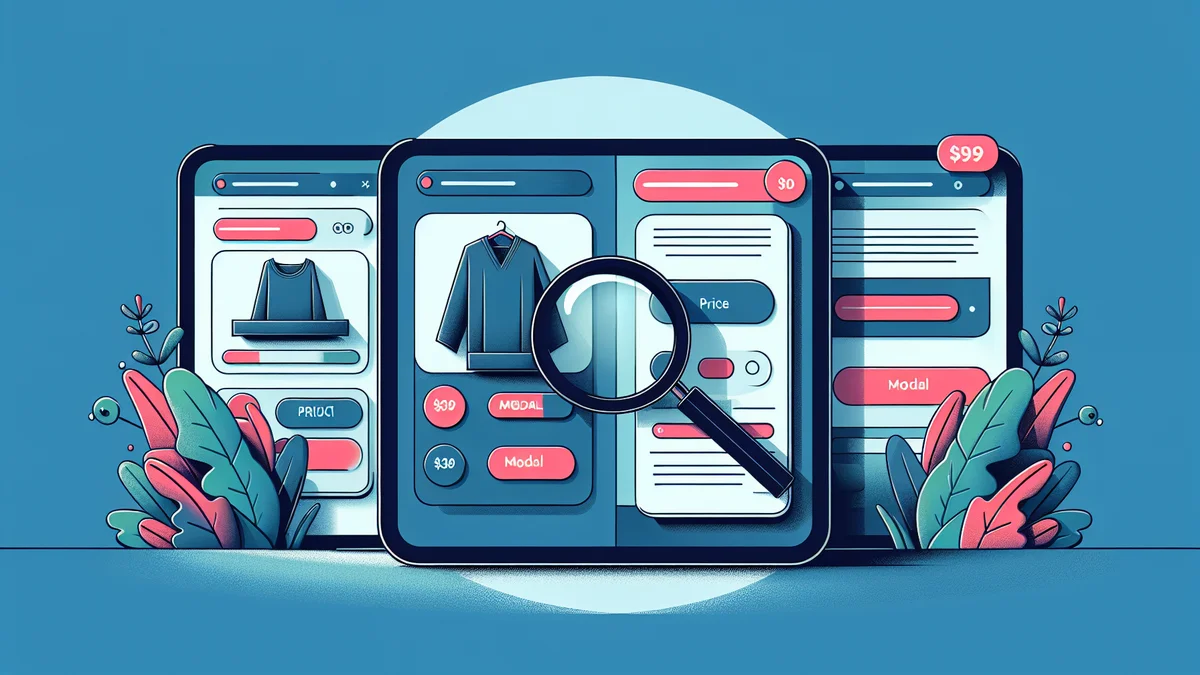
Peekaboo Pricing offers three distinct display modes for presenting your hidden price content. Each mode is designed for different scenarios and customer interaction goals, allowing you to optimise your lead capture and customer experience.
1. Modal Form (Popup)
The Modal Form display mode replaces your product price and "Add to Cart" button with a custom button. When a customer clicks this button, a popup (modal window) appears, containing an enquiry form. The product page itself remains visible in the background, but the focus shifts entirely to the form.
When to Use It:
- MAP-Restricted Products: This is an ideal solution for products requiring MAP compliance. A customer clicks a "Request Price" or "Get Instant Price" button, and the price is revealed privately via an email containing a time-limited reveal link after form submission. This keeps the advertised price hidden from public view.
- General Lead Generation: If your primary goal is to capture leads across a wide range of products without cluttering the product page. The modal provides a focussed environment for the customer to submit their details.
- Complex Enquiries: For products that might require a more detailed questionnaire. The modal form ensures the customer focuses solely on completing the fields without distractions from the product page content.
Benefits:
- Focussed Interaction: The popup isolates the enquiry process, minimising distractions and encouraging completion.
- Clean Product Page: Your product page remains clean and uncluttered, preserving its design aesthetic while still providing a clear call to action.
- High Conversion Potential: When paired with Peekaboo Pricing's unique reveal links, customers can receive instant, time-limited access to the price via email, creating a seamless path from enquiry to purchase without manual sales follow-up.
Implementation Tips:
- Compelling Button Text: Use action-oriented text for your trigger button, such as "Request Price," "Get Quote," or "Unlock Price Now."
- Optimised Form Fields: Use Peekaboo Pricing's form builder to create a form that collects necessary information without being overly long. Remember, simpler forms often lead to higher completion rates.
- Leverage Reveal Links: For quick conversions, enable reveal links within your hide price type. This allows customers to receive an email with a secure link that temporarily unlocks the product price, letting them buy immediately.
2. Inline Form
With the Inline Form display mode, the enquiry form is embedded directly into the product page content, replacing the price and "Add to Cart" button. Instead of a button opening a popup, the form fields are immediately visible on the page, inviting direct interaction.
When to Use It:
- High-Value or Custom Products: For items where the customer expects to provide more detail upfront, like custom furniture, specialised machinery, or project-based services. An "enquiry-only" type (where reveal links are off) works well here, as your sales team will need to follow up with a custom quote.
- Detailed Pre-qualification: If you need to gather specific information to pre-qualify leads before even considering revealing a price. The inline form makes it clear that detailed input is required.
- Seamless Integration: When you want the enquiry process to feel like a natural part of the product page, rather than a separate step. This integrates the "shopify hide product price" and "hide add to cart shopify" elements smoothly into the layout.
Benefits:
- Immediate Engagement: The form is right there, ready for interaction, reducing the steps a customer needs to take to begin an enquiry.
- Contextual Information: Customers can refer to product descriptions and images while filling out the form, ensuring their enquiry is well-informed.
- Higher Information Capture: Customers might be more inclined to fill out a slightly longer form when it's directly integrated into the page, especially for complex products where they understand the need for more detail.
Implementation Tips:
- Concise Form Design: Even though it's inline, avoid overwhelming customers. Use Peekaboo Pricing's form builder to create clear, organised fields with helpful labels.
- Mobile Responsiveness: Ensure your inline forms are well-optimised for mobile devices, as many customers will browse on their phones.
- Strategic Field Placement: Place crucial fields at the top of the form. Use assignment rules to apply this form to specific product types or collections that genuinely benefit from this direct engagement.
3. Content-Only
The Content-Only display mode is the simplest option. It hides the product price and "Add to Cart" button, replacing them with a customisable message. This message can optionally include a button that links to any URL – another page, an email address, or a phone number. Crucially, there's no form and no lead capture involved with this mode.
When to Use It:
- In-Store Only Products: This is perfect for items that require a physical visit, consultation, or can only be purchased at a brick-and-mortar location. You can replace the price with a message like "Visit Our Store for Pricing" and a button linking to your store locator or Google Maps. This drives foot traffic directly.
- Login-Gated Pricing: When combined with Peekaboo Pricing's "Login Required" hide price type and assignment rules, this mode can display a "Please Log In to See Price" message for non-logged-in customers. Logged-in customers (e.g., B2B clients) then see the prices normally.
- Informational Messages: For products that are out of stock indefinitely, discontinued, or for any scenario where you simply need to display a static message instead of a price, without needing an enquiry.
Benefits:
- Clear Communication: Provides straightforward information without requiring customer input.
- Drives Offline Traffic: Effectively directs customers to your physical store, leveraging your online presence to boost in-person sales.
- Simplicity: Easy to set up and manage, ideal for situations where lead capture isn't the immediate goal.
- Enforces Access: For login-gated content, it ensures only authorised users can view pricing, maintaining exclusivity or B2B distinctions.
Implementation Tips:
- Clear Call to Action: If using a button, ensure its text and destination are unambiguous (e.g., "Find Our Store," "Call for Details," "Login Here").
- Concise Messaging: Keep your content-only message short and to the point. Customers should instantly understand the next step.
- Use Badges: Peekaboo Pricing allows you to display customisable badges (e.g., "In-Store Only," "Login Required") on listing and product pages. These badges provide a quick visual cue to customers.
Choosing the Right Display Mode for Your Shopify Store
Selecting the optimal shopify hide price display modes depends on your product, business model, and desired customer interaction. Consider these factors when making your decision:
- Your Goal: Are you trying to capture leads (Modal, Inline), drive foot traffic (Content-Only), enforce login (Content-Only with Login Required type), or comply with MAP (Modal with reveal links)?
- Product Complexity: Simple enquiries might suit a modal form, while complex custom orders might benefit from a detailed inline form.
- Customer Experience: How much friction are you willing to introduce? A modal requires an extra click but offers focus, while an inline form is immediate but can appear longer. Content-only is the least friction, but offers no direct lead capture.
- Brand Aesthetic: How do you want the hidden price content to integrate with your store's design? Inline forms can be designed to blend seamlessly, while modals provide a distinct interaction.
- Follow-Up Process: Do you have a sales team ready for manual follow-up (Inline, or Modal without reveal links), or do you prefer automated price reveals (Modal with reveal links)? For content-only, your follow-up is driven by the customer's action (visiting store, calling).
By carefully evaluating these points, you can choose the display mode that best serves your strategic objectives and maximises your chances of converting interest into sales.
Best Practices for Hidden Price Displays
Regardless of the shopify hide price display modes you choose, implementing these best practices will enhance the effectiveness of your hidden pricing strategy on Shopify:
- Clear and Concise Messaging: Always ensure your "Request Price" button text, form instructions, or content-only messages are easy to understand. Tell the customer exactly what to expect next.
- Optimise Your Forms: If using modal or inline forms, only ask for essential information. Peekaboo Pricing's form builder lets you customise fields, but shorter forms generally have higher completion rates.
- Leverage Automation with Assignment Rules: Don't manually assign hide price types to every product. Use Peekaboo Pricing's assignment rules to automatically apply display modes based on product tags, vendors, collections, or customer login status. This saves immense time and ensures consistency.
- Utilise Reveal Links for Conversion: For enquiry-based modes, enable Peekaboo Pricing's time-limited price reveal links. This unique feature provides customers with instant, secure access to the price via email, streamlining the path to purchase and reducing reliance on manual sales follow-up.
- Test and Optimise: Monitor your enquiry rates and conversion counts (available in Peekaboo Pricing's analytics). Experiment with different button texts, form fields, and display modes to find what resonates best with your audience.
- Mobile-First Design: Ensure all your hidden price displays, especially forms, are responsive and provide an excellent experience on mobile devices.
Related Articles
Continue your learning with these related resources:
- How to Hide Prices on Shopify: The Complete Implementation Guide (Comprehensive Guide)
- How to Track Who Clicks Your Price Reveal Links on Shopify
- Your First Hidden Price Setup on Shopify in Under 10 Minutes
- Hyper Theme Price Hiding: A Complete Setup Guide for Shopify Stores
- How to Add a Price Request Form to a Shopify Product Page
- How Secure Are Shopify Price Reveal Links? A Deep Dive for Merchants
Conclusion
Effectively hiding prices on your Shopify store is more than just removing a number; it's about strategically managing customer interaction to achieve specific business goals. Peekaboo Pricing empowers you with three powerful display modes – Modal Form, Inline Form, and Content-Only – each designed for distinct scenarios, from lead generation and MAP compliance to driving in-store traffic and login-gating content.
By understanding the nuances of each mode and implementing best practices, you can transform hidden prices from a barrier into a revenue-generating opportunity. Whether you need a "shopify request price button" that delivers an instant price reveal or a simple message directing customers offline, the right display mode can significantly enhance your Shopify store's performance.